
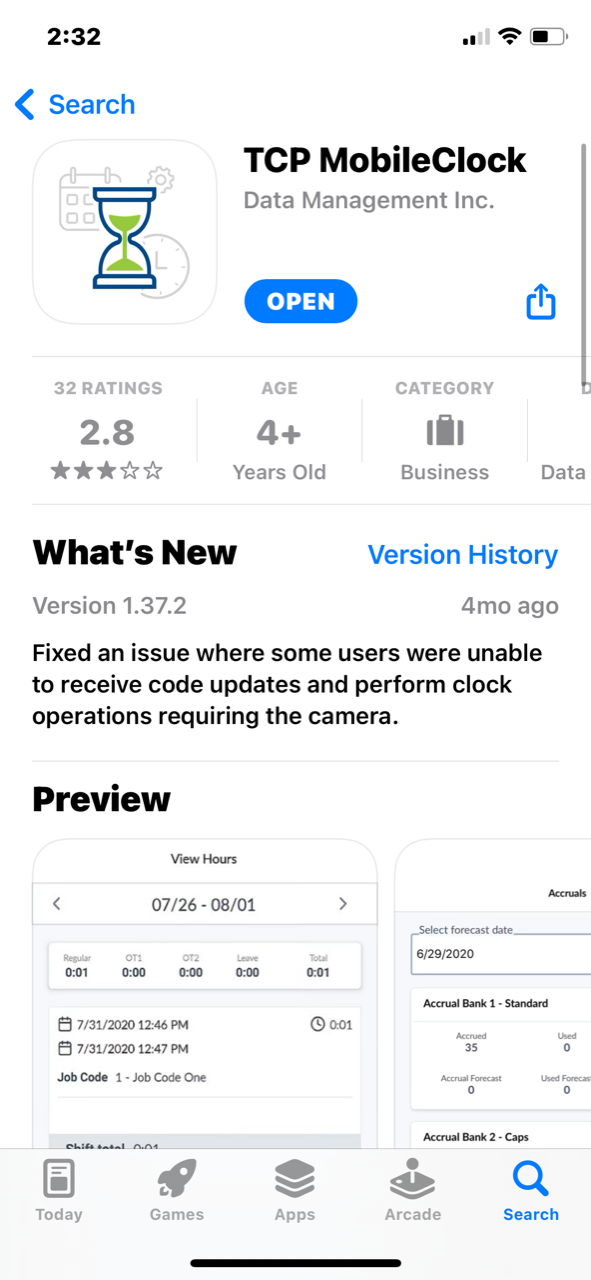
1. To begin, go to the app store on your phone and search for TCP MobileClock and download the app.
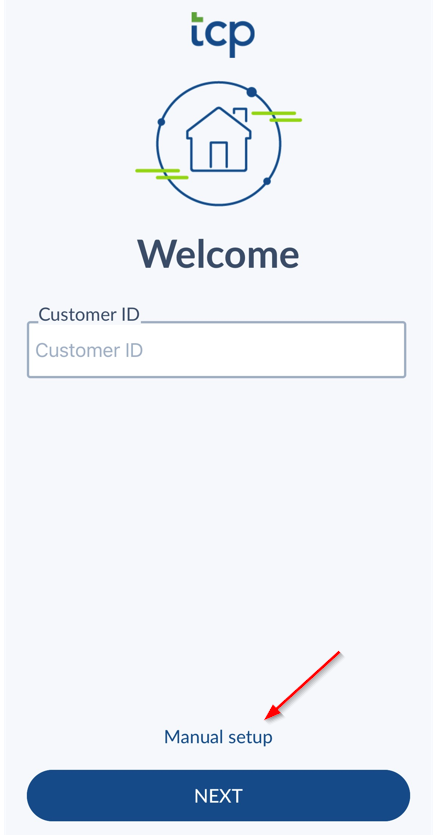
2. On the welcome page select Manual Setup
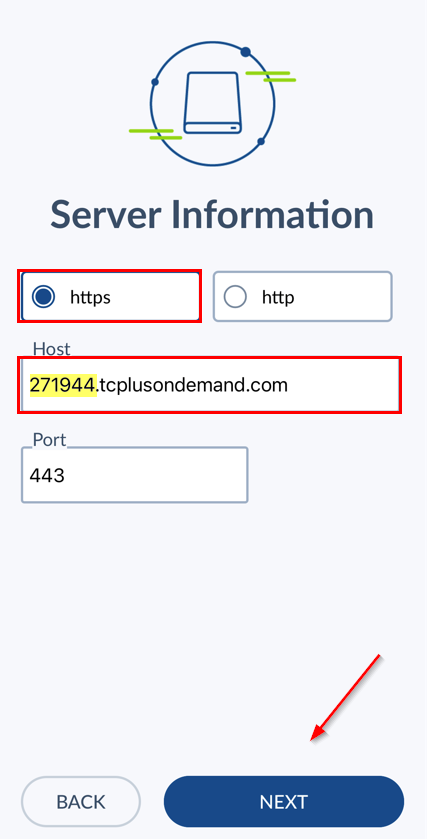
3. Select https and enter in the Host provided by your manager. It should be in the format: ######.tcplusondemand.com. (do not use the highlighted host in the screenshot)
Leave the Port as is and do not delete anything in this section. Select Next.
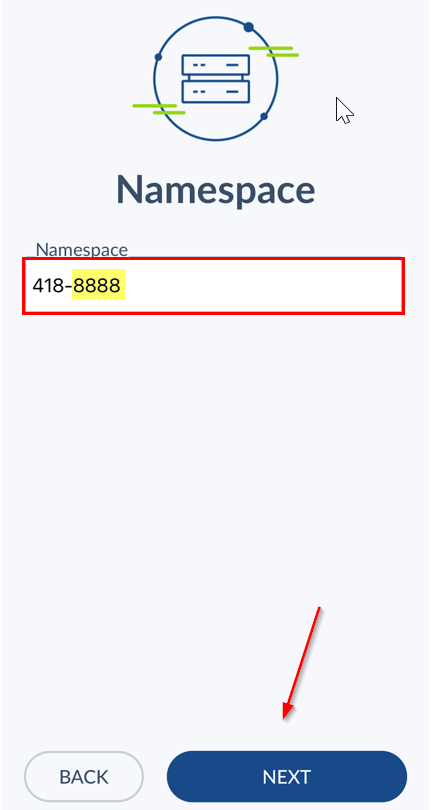
4. Enter the Namespace provided by your manager. It should be the format: 418-#### (do not use the highlighted namespace in the screenshot). Select Next.
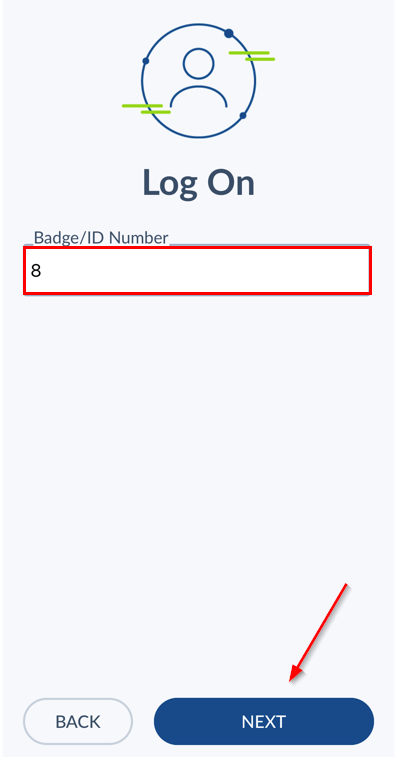
5. Enter in your Badge/ ID Number provided by your manager. Select Next.
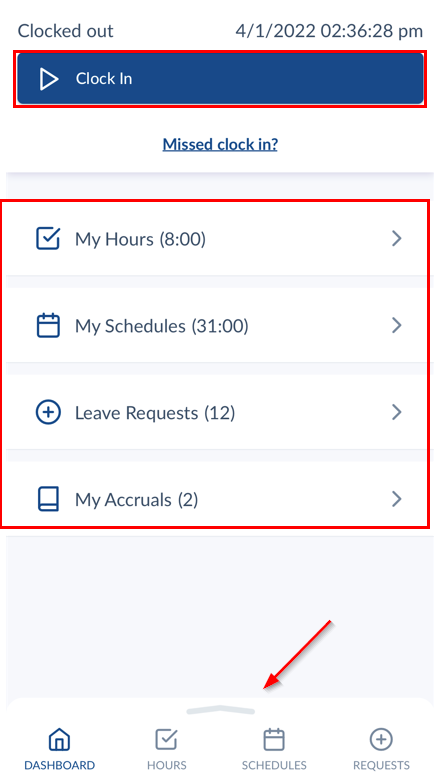
6. After logging on, you should be able to see the options available to your company. These may differ from the screen below, but navigation can be done from the dashboard or the menu at the bottom of the screen.
Comments
0 comments
Please sign in to leave a comment.