- Log into Prism: https://ess.xeniumhr.com
- Navigate to the Timekeeping section within the employee portal
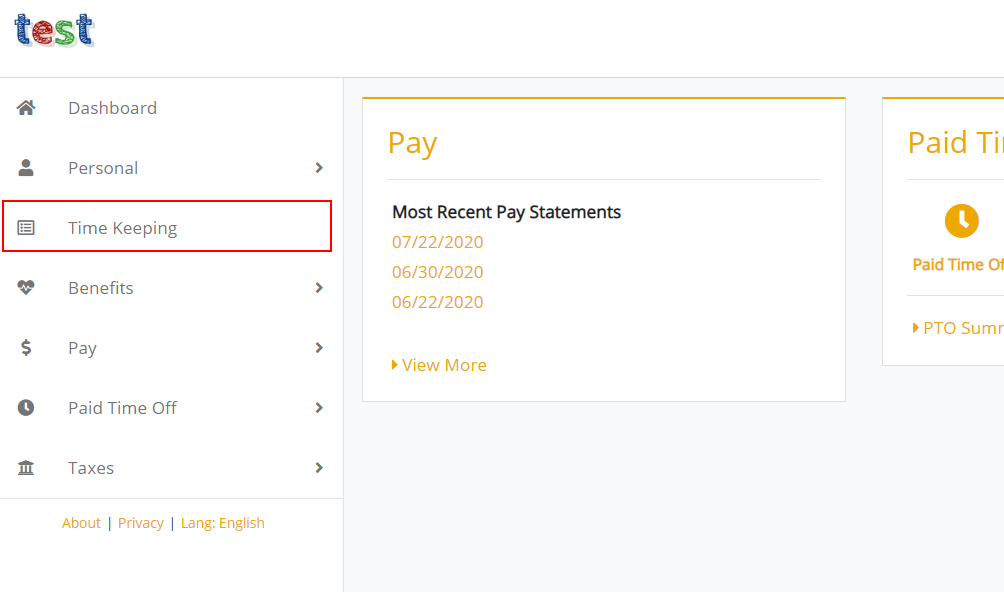
- Within the timekeeping section, select the action that is appropriate for your company’s setup. If allowed, select the Clock In or Clock Out options and follow the prompts.
OR
If allowed, select the Manage Time Sheet option and select the Add button and modify the time as needed. Select Accept to save.
Clock Time Via The Web

Comments
0 comments
Please sign in to leave a comment.