
Log into Prism: https://ess.xeniumhr.com & Navigate to Swipeclock in the menu

OR
Log into Swipeclock directly: https://www.swipeclock.com/pg/Ess

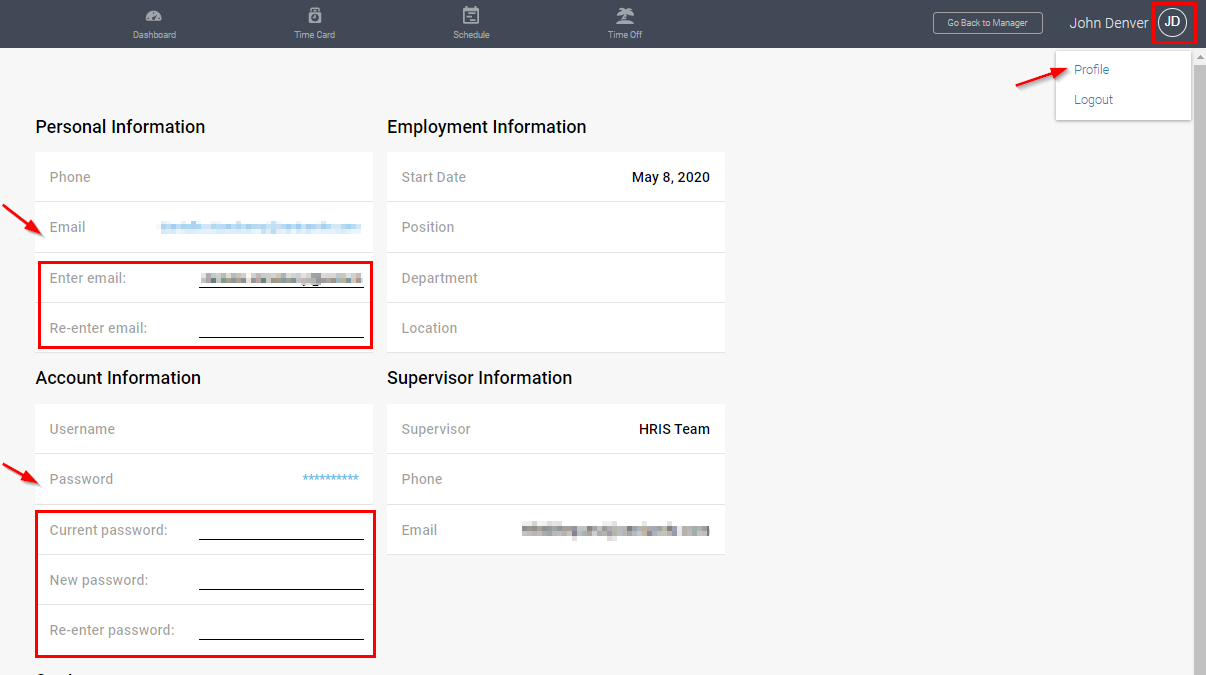
From the Swipeclock menu select your initials next to your name and select Profile. From here you can click on your email or password, which will open up fields to change both items.
Comments
0 comments
Please sign in to leave a comment.