
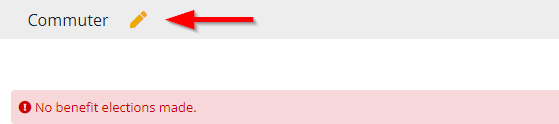
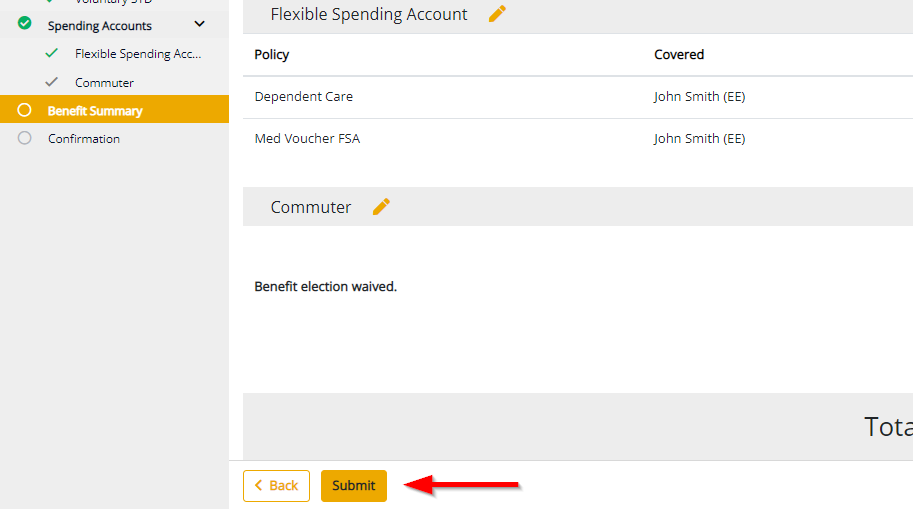
Review your elections on the Benefit Summary page. If you have not completed a category, or are missing some enrollment data, a red exclamation may be presented. You may go back to any category by clicking the Pencil icon. You must enroll or waive each category before proceeding. Correct any errors, then click Submit.
* Your enrollment is not yet complete, be sure to proceed to the next step
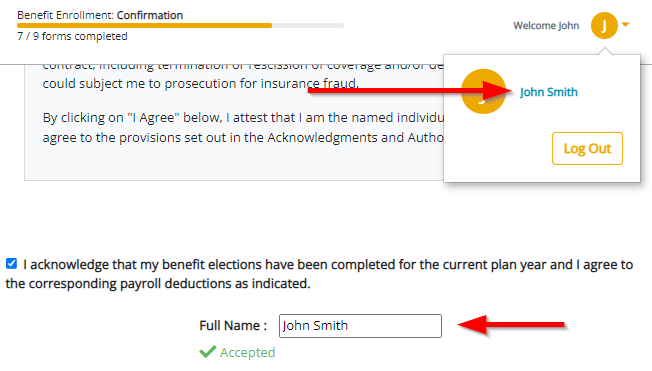
On the Confirmation page, review any terms and conditions and acknowledge your elections. Check the box and sign your name.
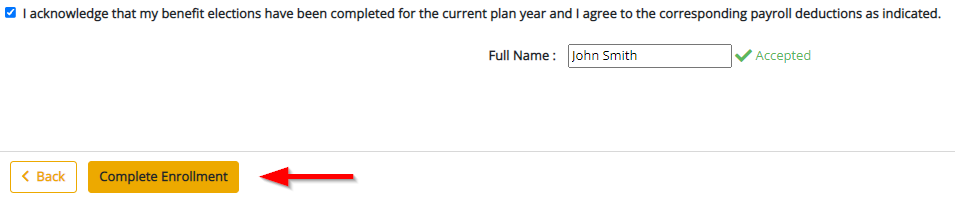
* Your benefit enrollment is now complete
Comments
0 comments
Please sign in to leave a comment.